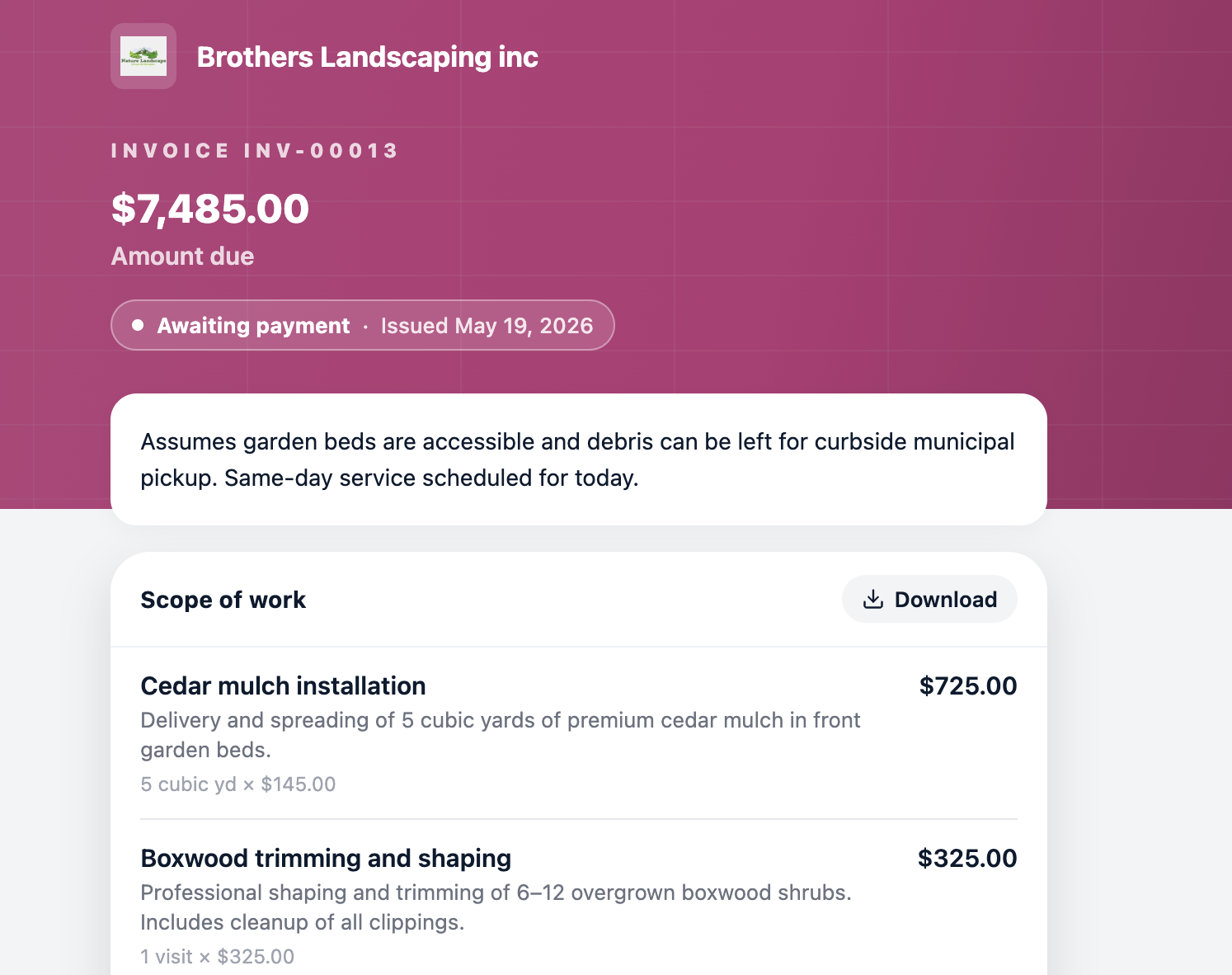
If your concern is readability for clients when they open your invoice or estimate link, switching to Interactive display mode helps. In Interactive mode, the document opens in the client's mobile browser and respects their device font size and browser settings, so clients who have increased their phone's text size will see it reflected automatically.
Tap More > Settings > Display Mode and select Interactive.
In Interactive mode, clients see line items, totals, and terms directly on the page, and can download the PDF anytime if they need it.