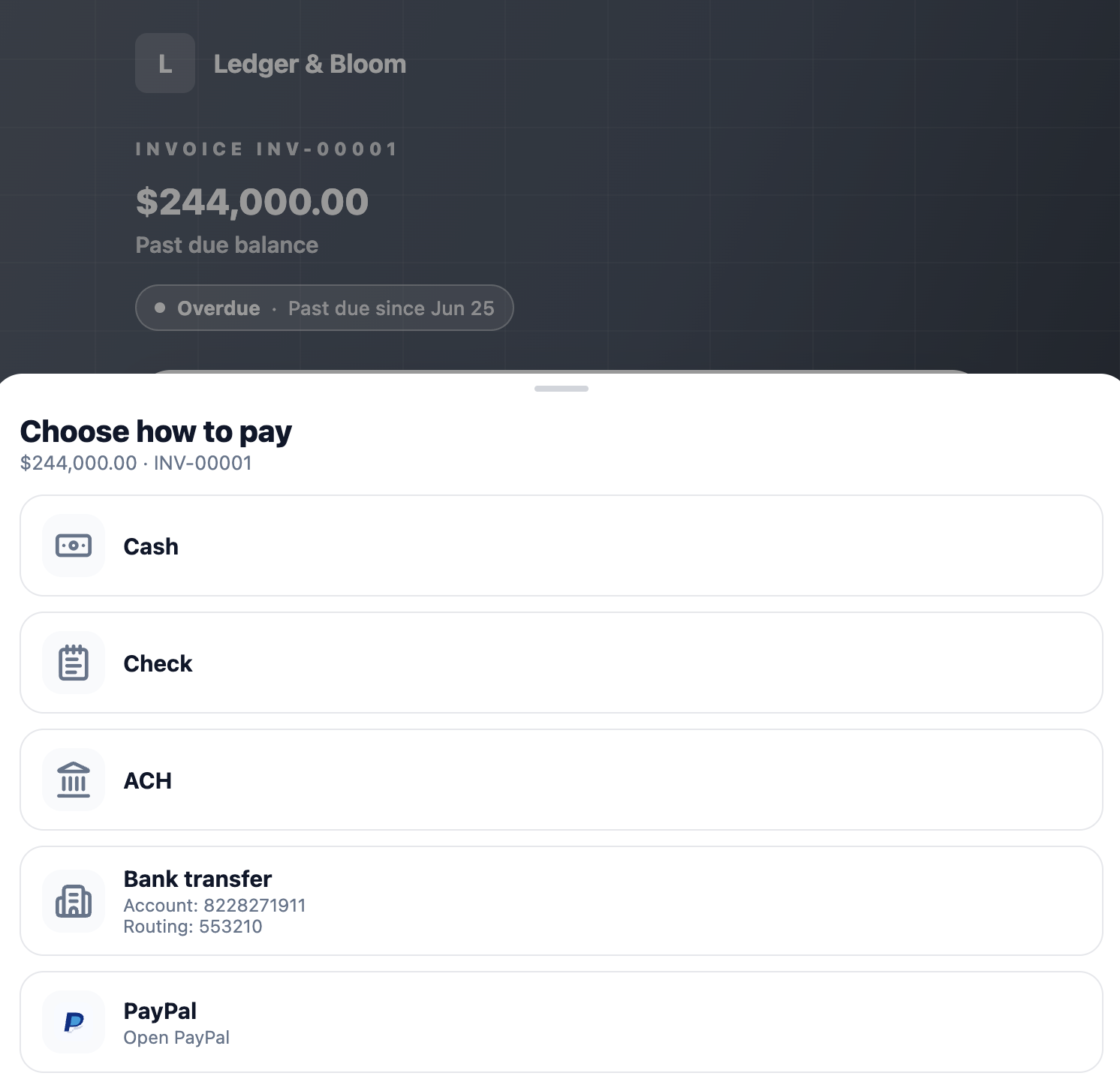
You can also accept PayPal, Venmo, and manual methods like cash, check, bank transfer, or ACH, clients will see whichever methods you've set up when they open an invoice link.
To get started, tap More > Settings > Payment Methods.
Tap PayPal and add your email address. That's it! Clients will see PayPal as a payment option on your invoices.
Tap Venmo and add your handle.
Each of these works the same way:
Toggle the method on.
Tap into it and add your own instructions. However you want the client to actually pay (where to send a check, your bank details for a transfer, etc.).
Tap Save.
You can add additional instructions if needed, and you can enable as many of these as make sense for your business, clients will see all enabled methods together on the invoice.
Want online card and digital wallet payments too? See Setting up card payments (Stripe).