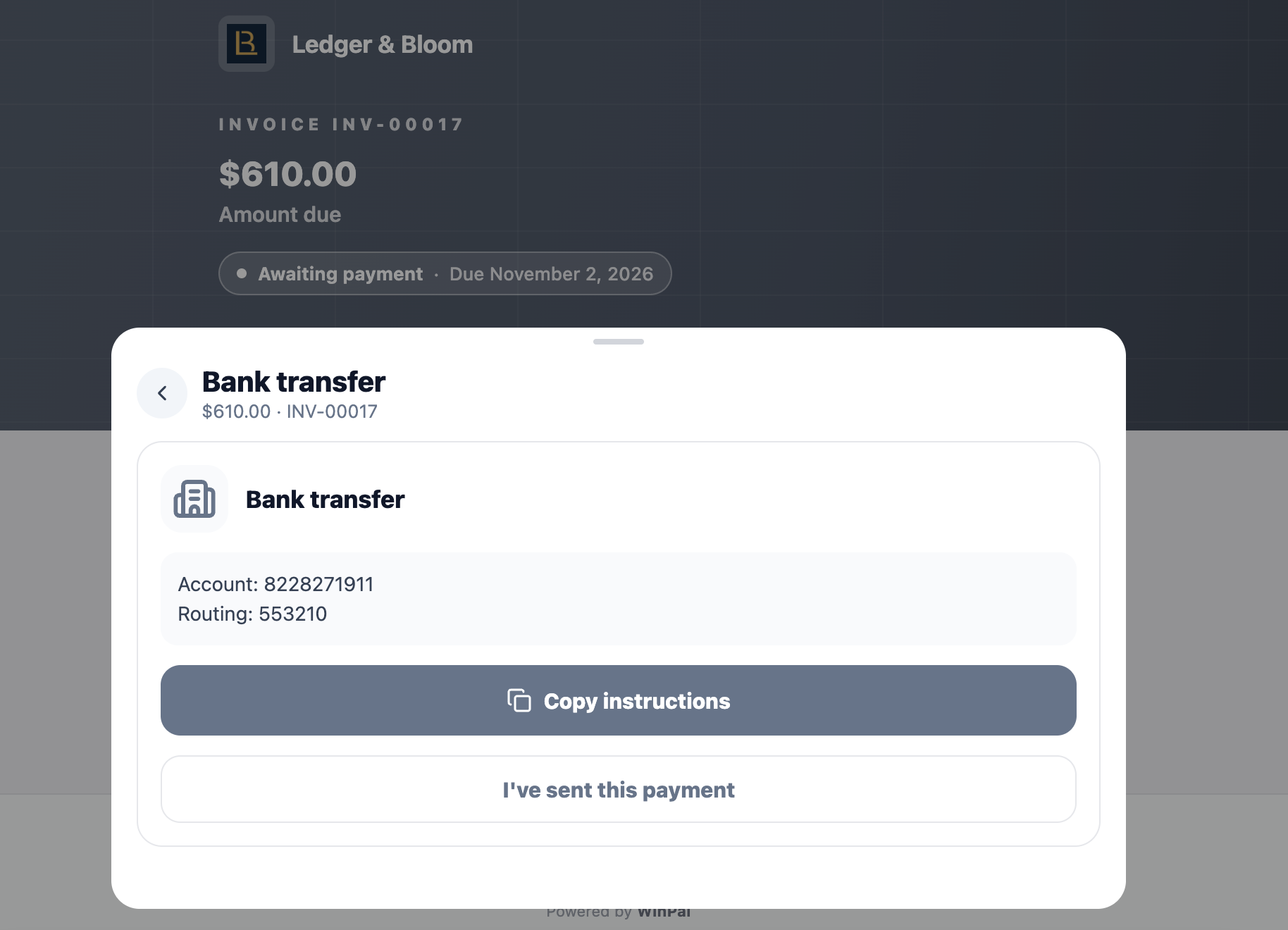
When a client views an invoice link you've sent them, they can confirm they've sent payment by clicking "I've sent this payment." This records a payment on the invoice.
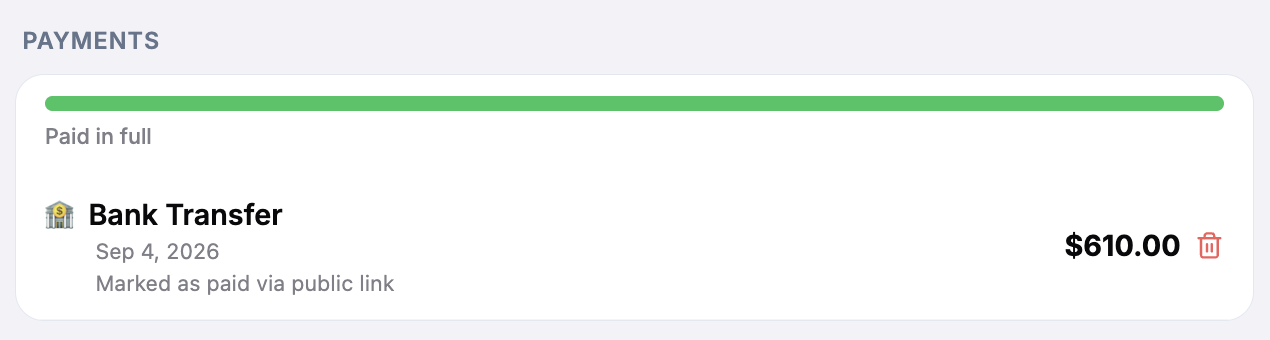
If you don't have an online payment method set up like Stripe, the invoice will automatically show as "Paid" even if you have not received cash, ACH / bank transfer, or checks (depending on which options you have enabled for payments).

Open the invoice in Winpal
Find the payment listed on the invoice
Tap the trash icon to delete the payment
Even with payment methods enabled, get in the habit of:
Checking your bank or payment processor to confirm money arrived
Only then marking the invoice as truly paid
Keeping a paper trail (receipts, confirmations, etc.)
If someone sends payment by check or cash, wait to confirm receipt before accepting the "paid" status.